
Beautiful Plants For Your Interior
Beautiful Plants For Your Interior
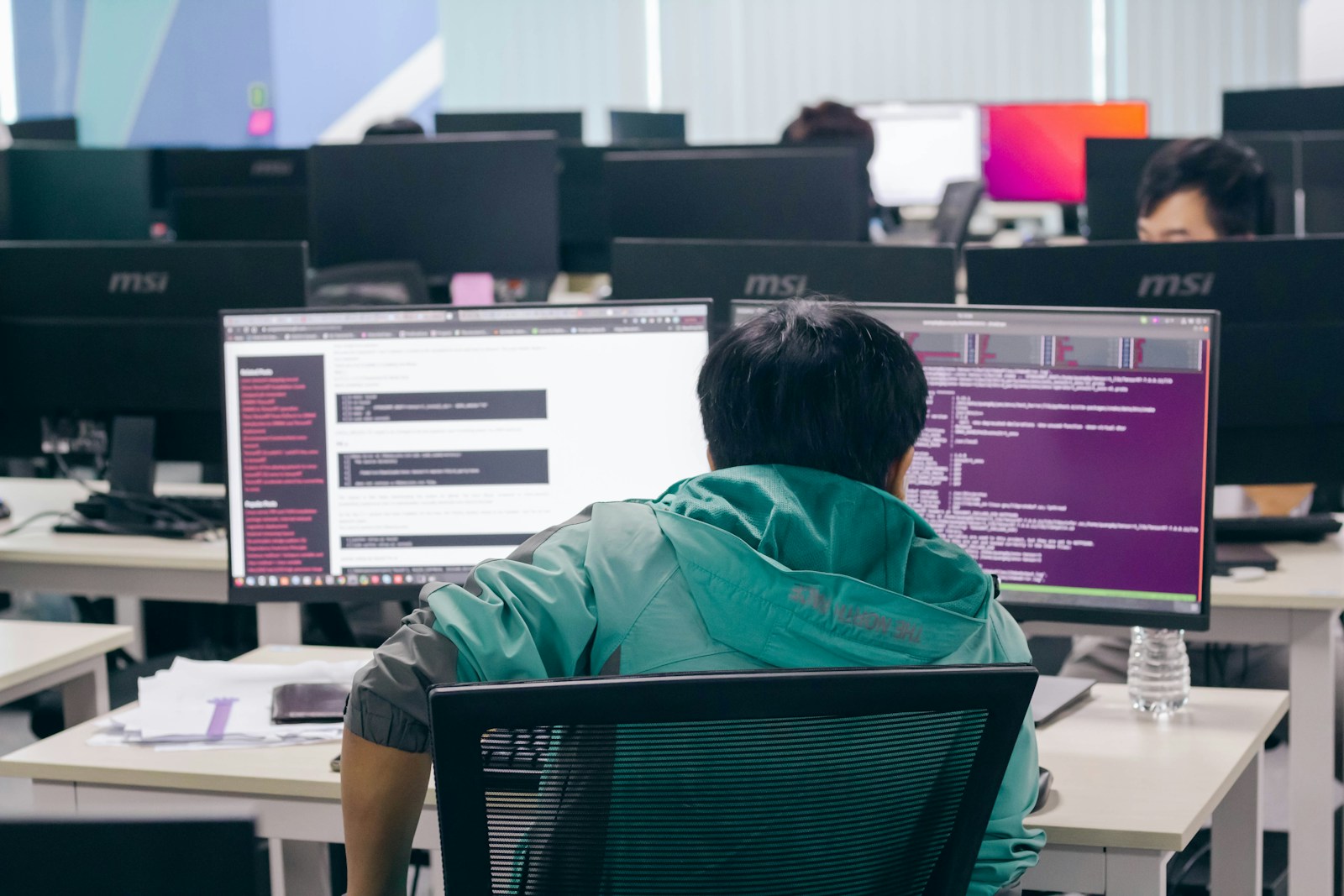
Remote web development isn’t just a trend—it’s become the new standard. You and your team can work from anywhere, but staying connected and productive takes more than just video calls and emails. The right collaborative coding tools make all the difference, letting you build, debug, and launch projects together in real time.
In 2025, the landscape of remote work is more dynamic than ever. New platforms and features keep popping up, promising smoother workflows and stronger teamwork. If you want to keep your projects on track and your team in sync, you’ll need to know which tools stand out from the rest.
Collaborative coding in remote web development uses tools and platforms that let distributed teams write, review, and manage code together in real time. These systems combine code editors, communication features, and version control into unified environments tailored for teamwork across locations. Your team members can run simultaneous editing sessions, leave inline code comments, and resolve merge conflicts directly in shared workspaces. Integrated live chat, video, and annotation features let you address code issues immediately, regardless of time zone or physical location.
Effective collaborative coding platforms protect code quality and project momentum by automating code reviews, facilitating instant feedback, and enforcing team standards. Platforms supporting synchronous and asynchronous communication help your team stay aligned even when contributors work at different hours. By using advanced permission controls and change-tracking logs, teams maintain secure, audit-ready workflows that are vital for regulated industries and large projects.
Growth in remote web development has driven widespread adoption of cloud-based IDEs and code collaboration suites. You can expect to see continuous integration, automated testing, and deployment tools integrated within your collaborative environment, boosting overall team productivity. Centralized platforms remove geographic barriers and support diverse workflows, aligning your project goals with high flexibility and performance.
Real-time code collaboration supports simultaneous editing and shared debugging, letting your remote team work together across multiple files without disruption. Tools like Visual Studio Live Share enable this by offering session sharing and synchronized cursor movement so everyone sees code changes as they happen.
Version control integration tracks contributions, manages branches, and enforces code review protocols. Platforms such as GitHub, GitLab, and Bitbucket deliver seamless pull requests and merge management, reducing code conflicts and ensuring code quality.
Issue tracking and workflow automation streamline your development process. Built-in tracking features and CI/CD pipeline automation, available in solutions like GitLab and TeamCity, let your team manage backlogs, automate testing, and deploy efficiently.
Seamless integrations with IDEs, project management, and communication tools prevent workflow breakdowns. Compatibility with environments like Visual Studio Code and JetBrains, plus Slack or Loom support, unifies your team’s toolset and enhances productivity.
Cross-platform and cloud access ensure you can code from any device or location. Codeanywhere exemplifies this, making web-based coding accessible wherever your team connects while syncing workspaces in real time.
Balanced technical simplicity allows collaboration across and beyond developer teams. Documentation tools and visual communication features, like screen recording or Slack Huddle AI, make technical concepts clear to all stakeholders.
Security and access controls manage permissions, track code ownership, and audit user actions for every session. Granular settings lock down repositories and protect sensitive code, enhancing accountability in distributed environments.
Offline capabilities and a gentle learning curve help your team stay productive, even with intermittent connectivity or when onboarding new members. Leading tools minimize training time with intuitive interfaces and clear onboarding guides, keeping projects on track.
Remote web development in 2025 depends on fast, coordinated collaboration with cloud-driven platforms. You rely on a curated set of tools for real-time coding, version control, project oversight, and seamless communication.
Real-time code editors drive instantaneous teamwork for distributed coding.
Visual Studio Live Share gives you synchronized editing, debugging, and code ownership tracking. Team members navigate projects independently, customize sharing permissions, and work across multiple languages—all from within familiar environments.
Codeanywhere lets you edit code live in a browser, access projects from any device, and set up environments quickly. Cursor sharing and cross-platform integration with services like GitHub or GitLab boost flexibility. Offline support and mobile usability remain limited compared to desktop-focused solutions.
Version control plus code review platforms centralize collaboration and change management.
GitHub manages source history, issues, and pull requests, connecting global contributors. Every commit, branch, and review stays visible and traceable in one secure place.
Loom dynamically supplements code reviews by letting you share video walkthroughs, explain complex changes, and provide visual feedback—streamlining asynchronous communication. Integration with platforms like Slack and GitHub enhances workflow continuity.
Integrated development environments combine coding, debugging, and collaboration inside unified workspaces.
Visual Studio Code, empowered by Live Share, merges powerful editing tools and extensibility with live co-editing and debugging. You preserve your local editor preferences and settings while collaborating directly with teammates in real time.
Such IDEs often integrate with build servers and cloud deployment solutions, connecting coding to continuous integration workflows.
Communication tools and project managers align distributed teams and processes.
Wrike organizes complex projects, providing customizable workflows and over 400 integrations, including Google Workspace and GitHub. You benefit from clear assignment, milestone tracking, and structured reporting, though the platform remains better suited for large or multi-department teams.
Axero builds a digital workplace with private messaging, document repositories, and social engagement features. Forums, chats, and announcements improve transparency and keep your team informed, supporting both workflows and company culture.
Evaluate technical compatibility to ensure new collaborative coding tools align with your existing stack, including integrations with platforms like GitHub or CI/CD services if your workflows depend on automation or Agile methods. Compare onboarding experiences by choosing tools with intuitive interfaces and active support communities, as these features reduce the time you’ll spend training new members and help maintain overall productivity. Inspect customization options and scalability to confirm a tool supports your team’s growth, since adaptable workflows and flexible user management shape long-term collaboration on projects of varying complexity. Check built-in security controls and data compliance by reviewing available permission settings, encryption standards, and third-party audit reports to protect sensitive repositories and meet organizational policies. Assess cost-effectiveness by matching essential features to available tiers, considering future team expansion and whether free, professional, or enterprise plans offer the most sustainable value.
Structure communication to clearly separate synchronous methods, like live coding sessions or daily video stand-ups, from asynchronous workflows, such as comprehensive documentation or threaded discussions. Maintain daily stand-ups to synchronize project updates and prioritize tasks, which aligns distributed efforts and keeps everyone focused.
Set up thorough, detailed code reviews focused on clarity, actionable feedback, and constructive tone to uphold high code quality across locations. Standardize your project management process using a unified toolset, ensuring everyone follows the same workflow and reducing fragmentation. Schedule regular retrospectives, using team feedback to incrementally optimize processes and foster shared responsibility.
Enforce consistent tech stacks and robust security protocols to prevent technical silos and mitigate risks linked to distributed development. Promote an open team culture by encouraging transparent feedback, supporting peer recognition, and monitoring well-being, which strengthens morale and long-term engagement in remote setups.
Leverage context-aware tools like Slack Huddle AI and real-time coding suites, which help you surface relevant links and recent changes during discussions, making information retrieval instant and seamless. Balance cutting-edge automation with strong communication habits to maintain productivity and trust as your remote web development team evolves.
Choosing the right collaborative coding tools can transform how your remote web development team works together. As platforms continue to evolve you’ll find even more ways to boost productivity and keep your projects on track.
Staying open to new solutions and refining your workflows helps you adapt to the changing landscape of remote work. When your team has the right tools and practices in place you’ll stay connected focused and ready to deliver your best work—no matter where you are.

